Could one short conversation decide whether you move forward in the hiring process or lose a pivotal business opportunity?
You only get one chance to make a strong first impression. This could be an interview with a recruiter or a call with a client. That first exchange sets the tone and builds trust.
Video interviews are now common for executive hiring and early-stage screening. Your on-camera presence is as important as what you say. Companies like Redfish Technology use video to check if you communicate well and fit the team before meeting in person.
In this section, you’ll learn tips for making a great first impression. You’ll learn to present confidently, control your environment, and deal with technical issues. Simple steps like keeping your camera at eye level, finding a quiet spot, and having your resume and cue cards ready can help. These tips can turn that first call into a successful next step.
How to Ace the Initial Call
The first call sets the stage for what’s next. It shows who you are and what you can do. It’s not just a call; it’s a chance to make a good first impression.
Why the initial call matters for interviews and business calls
Recruiters and hiring managers check if you’re a good fit early on. A strong start shows you can handle pressure and value their time. For top jobs, this call is key to see if you match the role and team.
In business, first impressions matter too. Your timing, tone, and how you quickly share your value are important. They help decide if you’re a good fit and the quality of decisions made about you.
What hiring teams and recruiters look for on first contact
They want you to tell your story clearly and be ready. Have your résumé ready, confirm details, and share a success story. They also notice if you’re on time, handle interruptions well, and follow instructions.
Companies use a structured way to compare candidates. Showing you fit the company culture and can achieve results helps you move forward.
How video vs phone initial calls differ and what to expect
Video calls test your ability to show yourself well. Dress up and make sure the lighting is good. It’s like a face-to-face meeting.
Phone calls focus on your voice and how you speak. You need to be clear and tell your story quickly. They’re often used when video isn’t possible.
Preparation is key for both. Have your résumé ready, use notes, and have a backup plan for tech issues. Doing well in either shows you’re flexible and ready for the next step.
Preparing your setup and mindset for a strong first impression
Before the call, take time to go through an interview setup checklist. This helps you feel calm and confident. A few small tech and environment changes can prevent awkward moments and let your experience shine.
Use quick rehearsals to get ready technically and mentally. This way, you’ll be ready for anything.

Technical checks: camera angle, lighting, audio, and internet
Make sure your camera is at eye level. This way, your upper body and a bit of headroom are in view. Test different lighting setups until your face is well-lit. Natural light or a soft ring light works best.
Record a short clip and check it to spot any issues. Try a headset or a quality USB microphone to avoid echo and low volume. Run a quick speed test and connect via Ethernet if possible to reduce drops.
For executive interviews, use higher-quality video and clear audio. This makes your presence seem professional.
Environment control: removing distractions and securing your space
Make sure to silence your phone, unplug landlines, and turn off app notifications. Place a visible sign on the door and keep pets and household members away. Close extra browser tabs and background apps to focus on the video platform.
If an interruption happens, apologize briefly, mute and stop video, resolve the issue, then rejoin. Keep your background neat and remove noisy items that could distract from your answers and presence.
Mental prep: research, cue cards, and confidence-building practices
Do research on the company and interviewer. This way, you’ll have relevant talking points and questions ready. Make cue cards with short prompts like your elevator pitch, achievements, and questions for the interviewer. Place them behind the camera so you can glance discreetly without breaking eye contact.
Practice with a friend or use the record-and-review method to improve your tone, pacing, and posture. Use breathing exercises, power poses, or a quick vocal warm-up to boost confidence. Keep a printed resume, a notepad, and a pen nearby to jot notes and reference specifics during the call.
| Check | Quick action | Why it matters |
|---|---|---|
| Camera lighting angle | Adjust camera and light until face is clear | Good lighting makes you look engaged and professional |
| Audio | Test headset or mic, remove echo | Clear audio prevents misunderstandings and frustration |
| Internet | Run speed test, use Ethernet if possible | Stable connection avoids dropouts and lag |
| Environment | Silence phone, close tabs, put up a door sign | Reducing noise keeps focus on your answers |
| Interview mental preparation | Research company, prepare talking points | Relevant examples show fit and curiosity |
| Cue cards for interviews | Create short prompts and place behind camera | Quick reminders help you stay concise and on message |
Communication skills and structure to guide the initial call
Begin with a friendly hello and a brief introduction that matches the job. Say thank you to set a positive tone. Then, share a quick summary of your current job, main area of focus, and a key achievement.
Start with confident, natural-sounding lines. For example, say: “Hi, I’m a product manager at HubSpot focused on subscription growth; I helped increase retention by 12% last year.” This brief statement covers your role, focus, and impact.
Listening is key on calls. Use nods, mirrors, and paraphrases to show you’re engaged. This helps you answer clearly and concisely.
When answering, stick to a structured format. For behavioral questions, use the STAR method: Situation, Action, Result. Brief pauses are okay; they help you stay focused and avoid filler words.
Prepare a 20–30 second elevator pitch. Practice it until it feels natural. Keep a cheat sheet handy with important details and a few adaptable stories. Only glance at it to refresh your memory, not to read from.
Control the pace and speak clearly on phone calls. Video calls require more attention to facial expressions and eye contact. Adjust your energy and listening skills to match the medium.
End the call by confirming what comes next and any deadlines. Make sure to get the interviewer’s contact info and a direct number if needed. Note any tasks you agreed to do.
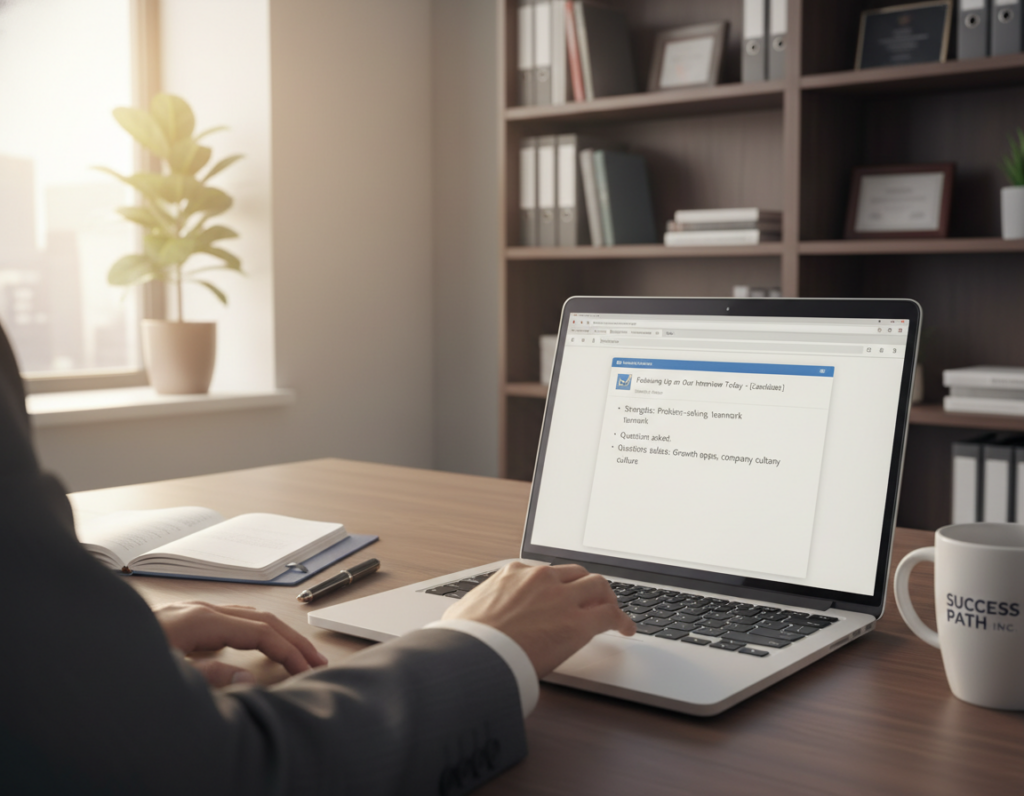
After the call, send a quick thank-you email within 24 hours. Restate a key point and confirm any upcoming meetings. If it feels right, add a handwritten note for a personal touch.
Best practices for video and live calls drawn from recent industry guidance
Follow a few habits to improve your on-camera performance. These tips help you control pacing, eye contact, and stagecraft. This way, you appear calm and ready.
Record-and-review technique:
Record yourself answering common questions. Then, play the clips back to spot any issues. Make a note of what to change next time.
Practice with a colleague for live feedback. Watching repeated recordings helps you learn and feel less anxious during real interviews.
Backup plans for technical issues:
Have a direct phone number ready for meetings. This way, you can switch if video fails. Close unused apps before the call to avoid distractions.
If a problem happens, mute and turn off your camera. Explain briefly, then rejoin. If you can’t reconnect, call the provided number and continue by phone or reschedule.
Professional presentation tips:
Dress as you would for an in-person meeting. Choose conservative, well-fitting clothes that look good on camera. Pick colors that contrast with your background for clear focus.
Frame the shot from upper torso to head. Keep the camera at eye level. Use a tidy neutral background. For senior roles, show controlled body language and concise answers.
Conclusion
Getting ready for the first call is key. Make sure your tech is working right. This includes your camera, lighting, audio, and internet.
Also, keep your space clean and free from distractions. Practice your introduction and examples with cue cards. This makes you look good from the start.
Record yourself to improve your tone and eye contact. Carry your resume and a checklist. This includes a backup phone number and how to fix tech issues.
Ask for the interviewer’s direct number. This way, you can switch to audio if needed. It keeps the conversation flowing smoothly.
Video interviews are common in hiring, especially for top jobs. So, be well-prepared. Check your tech, tidy up your space, and have your cue cards ready.
Also, send a follow-up email after the call. These steps help you prepare for any interview. They make you ready to go again and again.


 English